Module 3 Formstorming

Weekly Activity Template

Ziqi Zhou


Project 3


Module 3

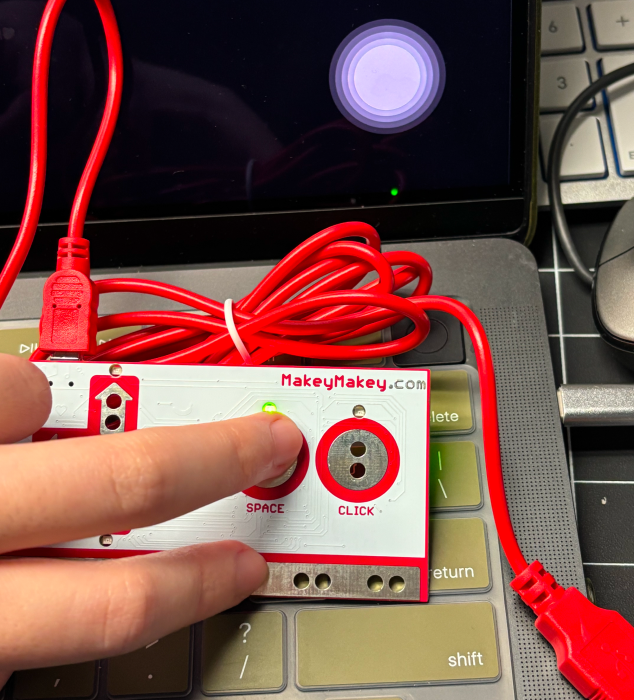
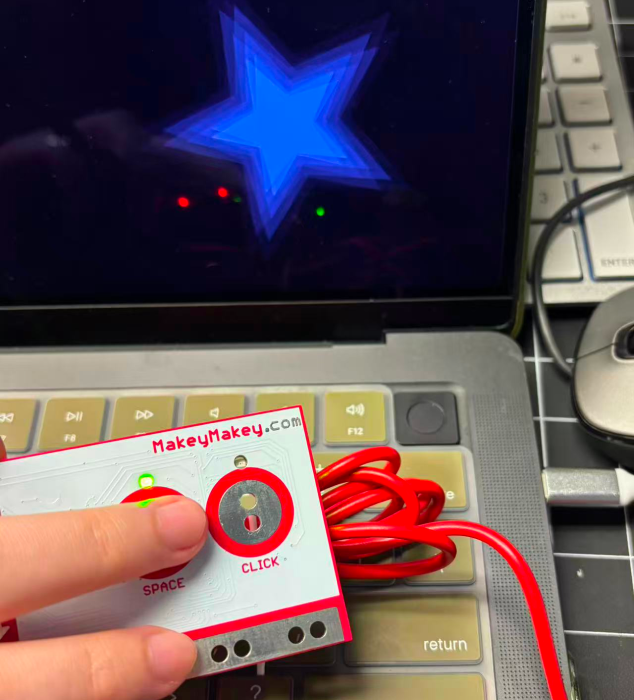
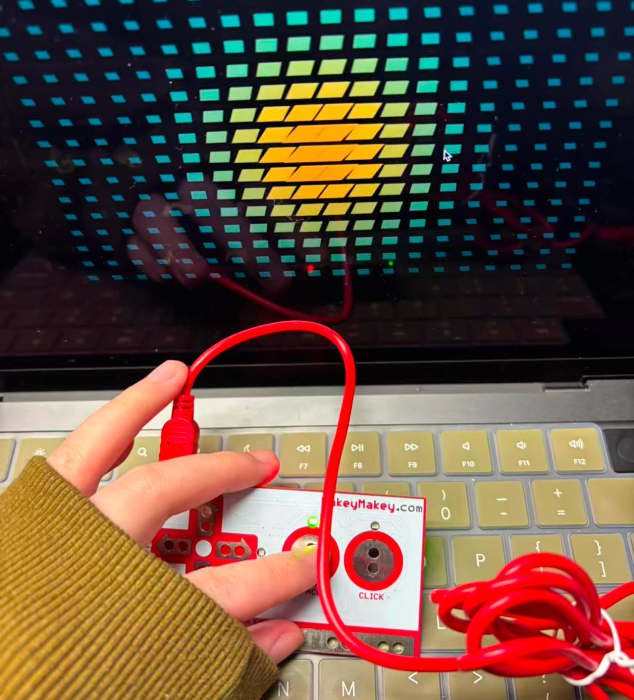
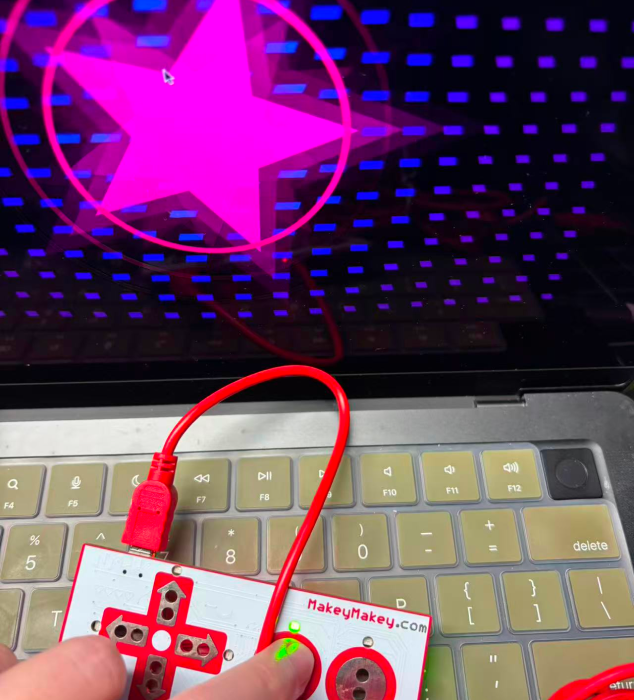
In Activity One, I learned how to use p5.js and create new visual effects, as well as how to influence the visual effects through the interaction between sound and makeymakey. In Activity 2, I used five conductive materials to test which ones had good electrical conductivity. Can the operation control be carried out through MakeyMakey to change the visual effect?

Activity 1

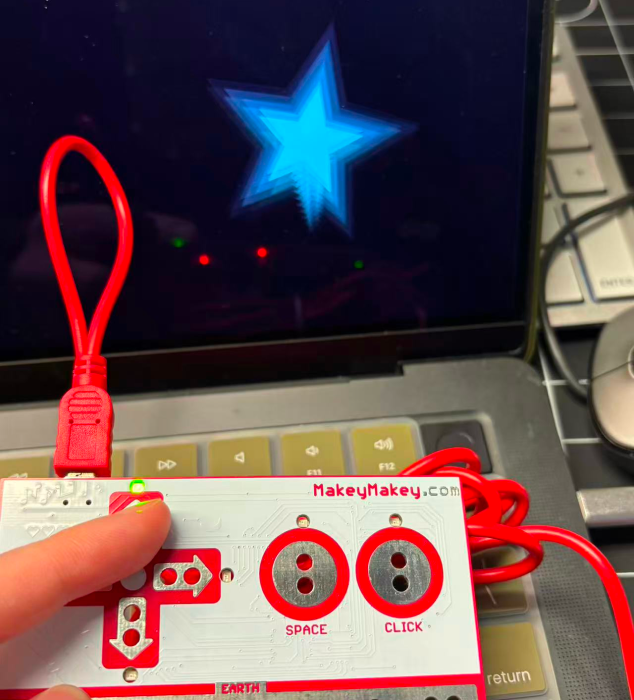
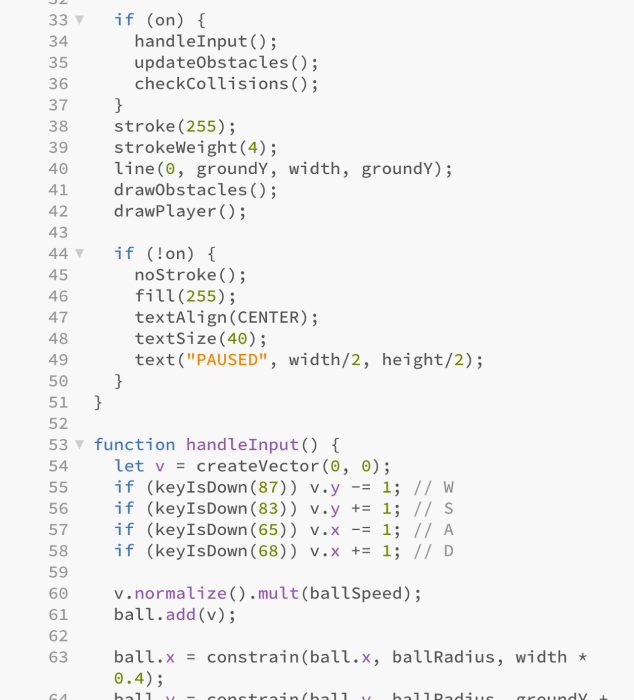
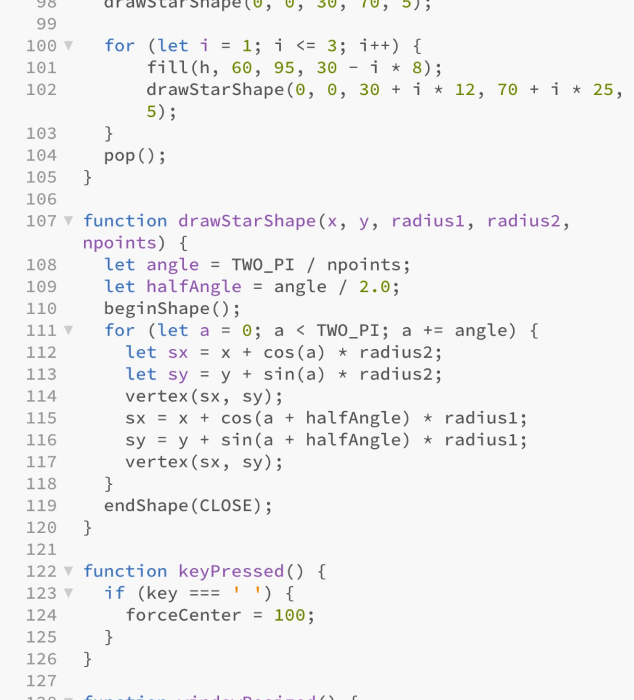
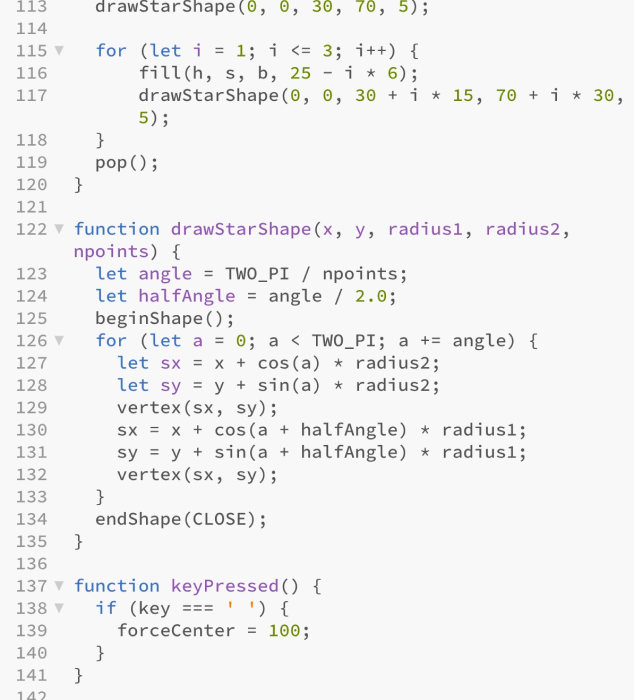
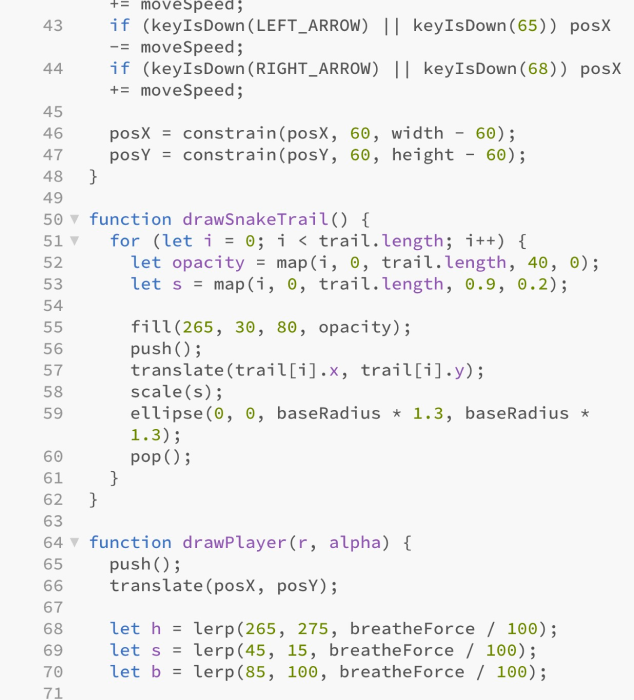
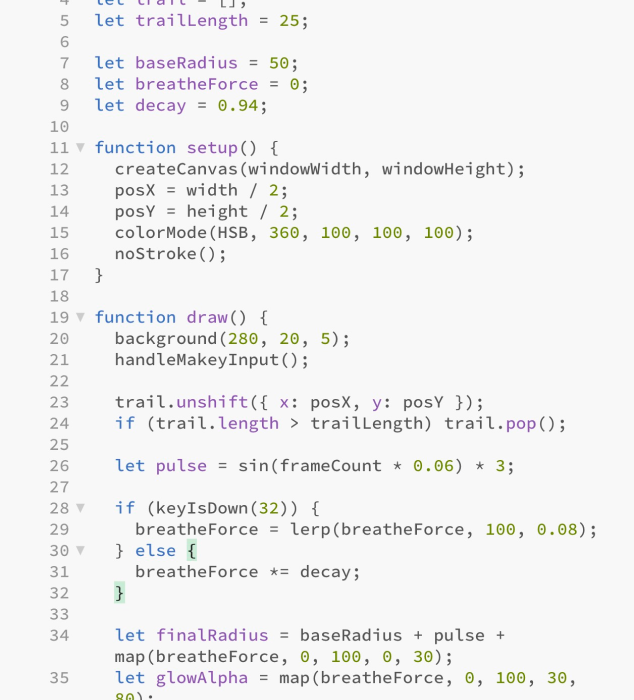
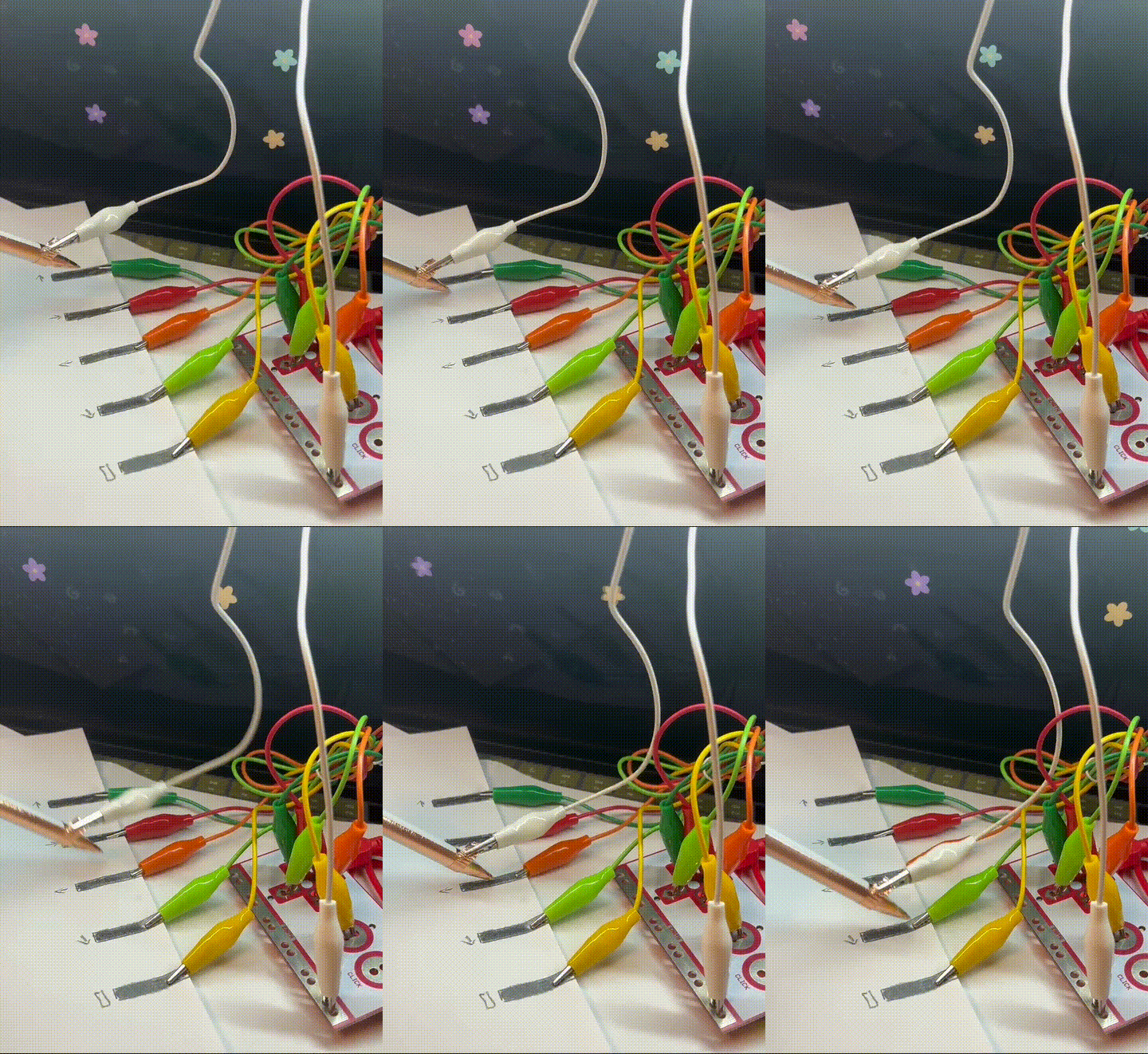
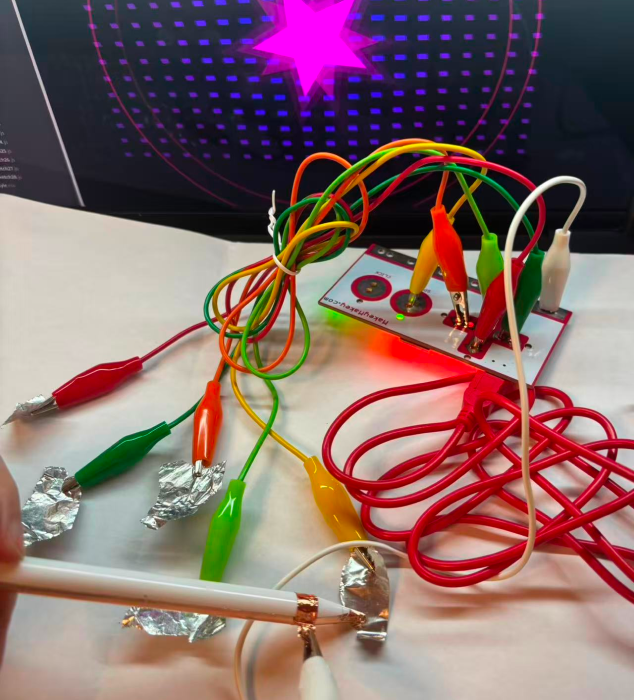
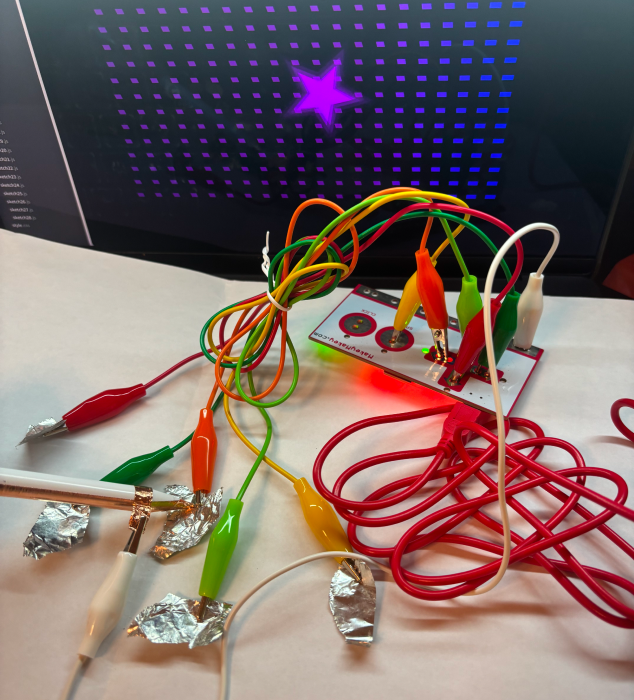
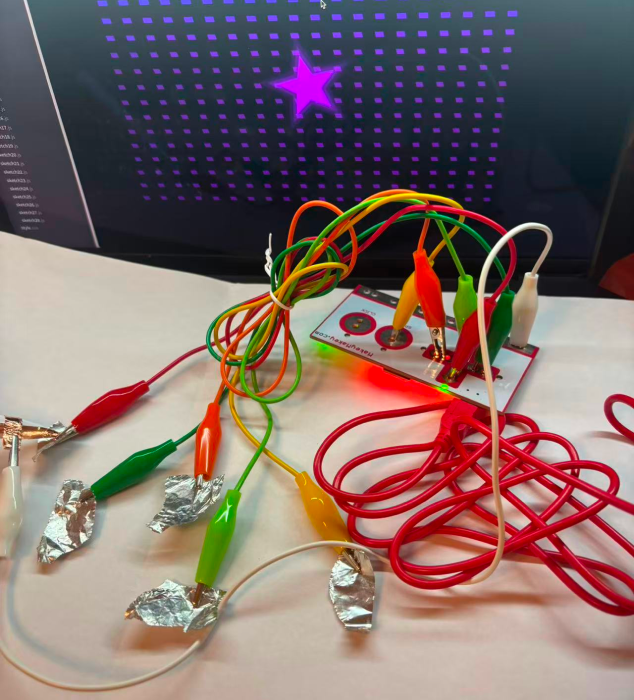
The visual effects controlled by MakeyMakey. The visual effects controlled by MakeyMakey. The visual effects controlled by MakeyMakey. The visual effects controlled by MakeyMakey. The visual effects controlled by MakeyMakey. The visual effects controlled by MakeyMakey. The visual effects controlled by MakeyMakey. The visual effects controlled by MakeyMakey. The visual effects controlled by MakeyMakey. The visual effects controlled by MakeyMakey. The visual effects controlled by MakeyMakey. The visual effects controlled by MakeyMakey. The visual effects controlled by MakeyMakey. The visual effects controlled by MakeyMakey. The visual effects controlled by MakeyMakey. Visual effects controlled by using MakeyMakey. Visual effects controlled by using MakeyMakey. Visual effects controlled by using MakeyMakey. Visual effects controlled by using MakeyMakey. The new p5.js code adopted. The new p5.js code adopted. The new p5.js code adopted. The new p5.js code adopted. The new p5.js code adopted. The new p5.js code adopted.

Activity 2
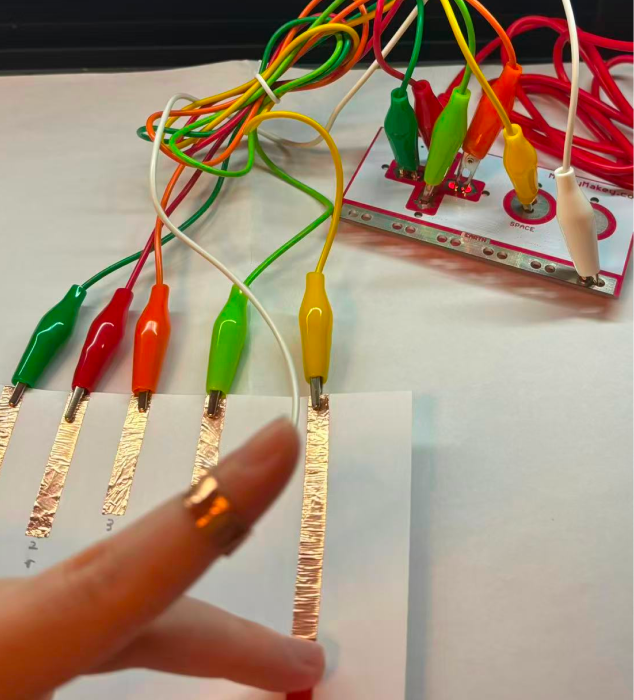
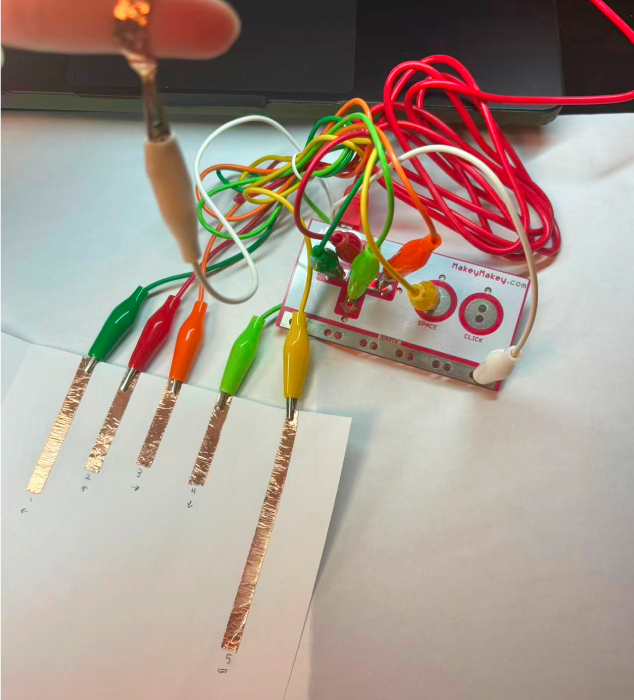
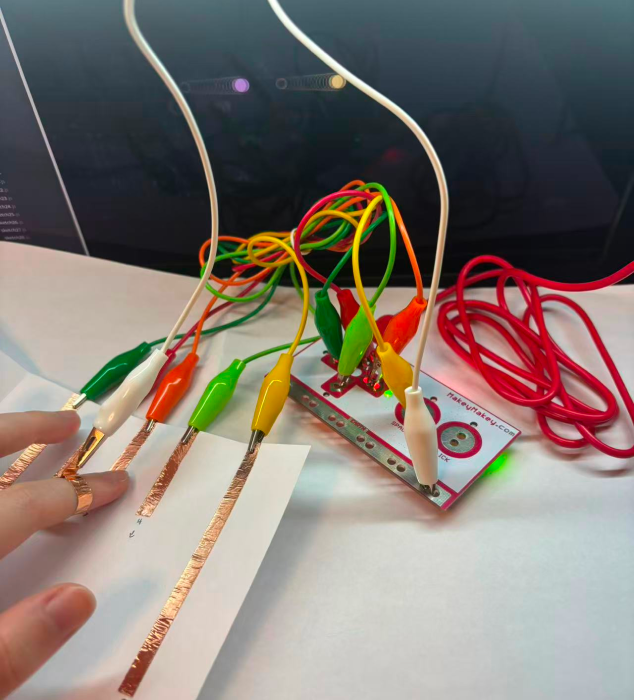
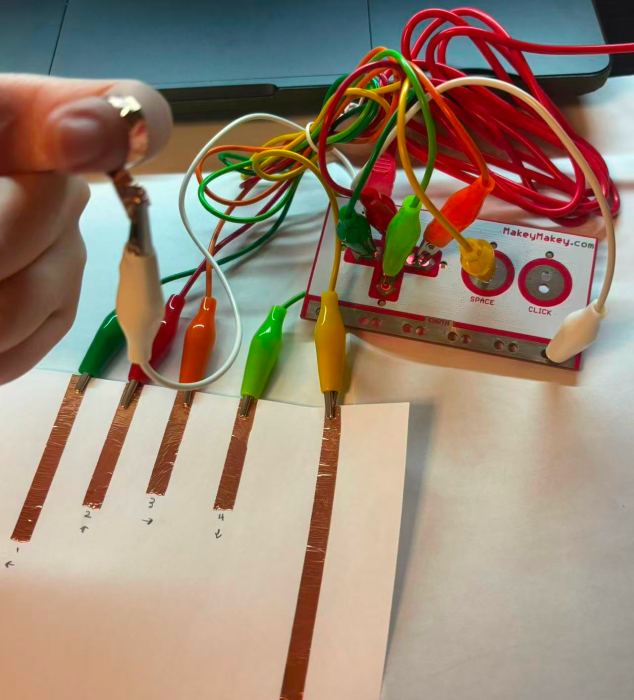
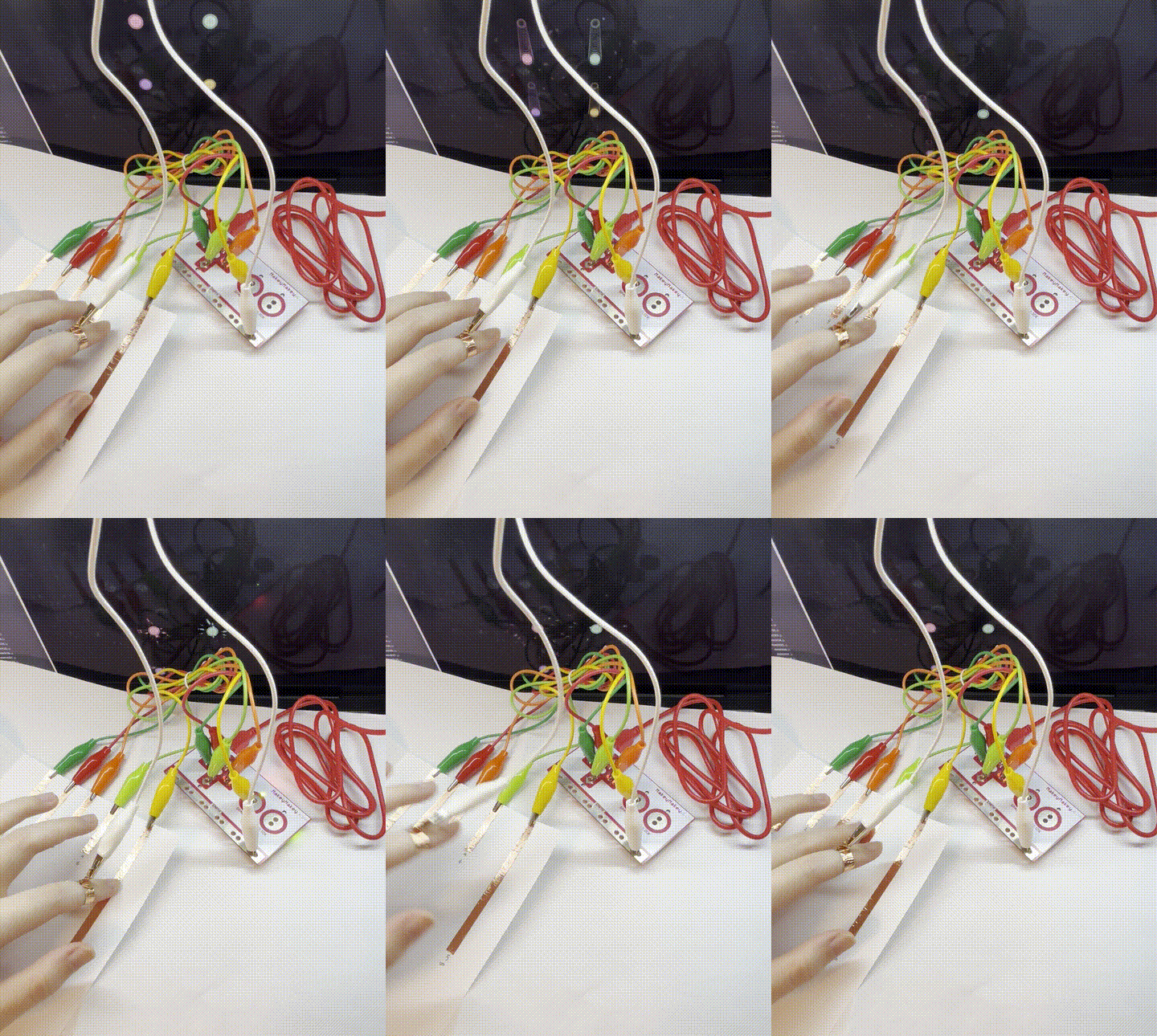
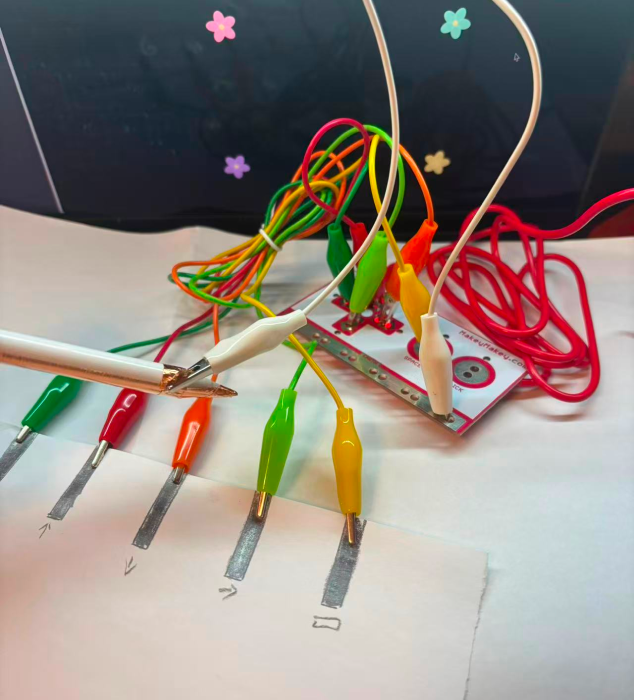
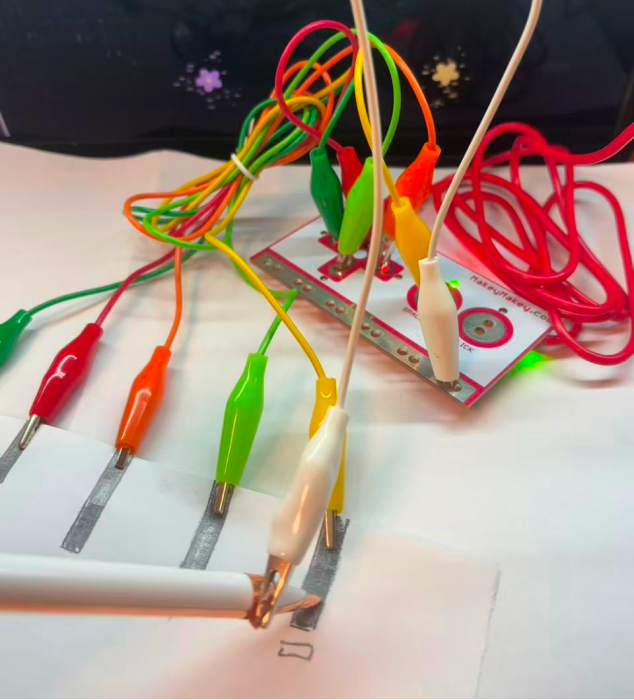
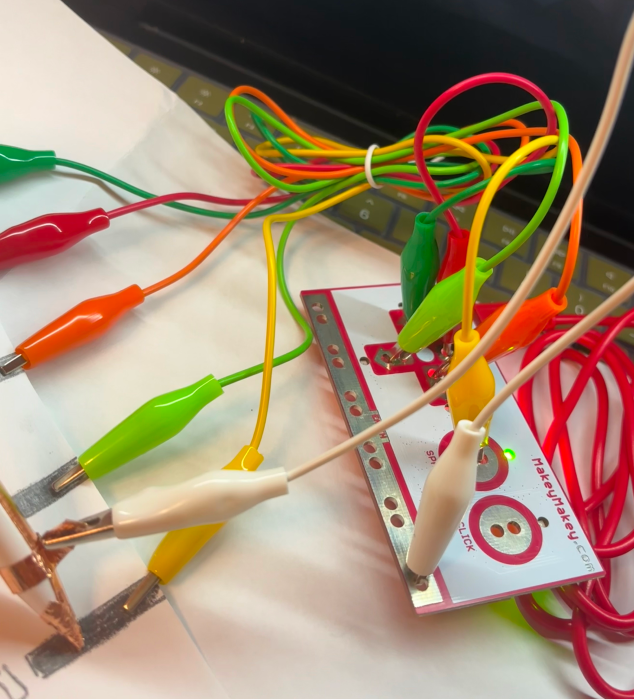
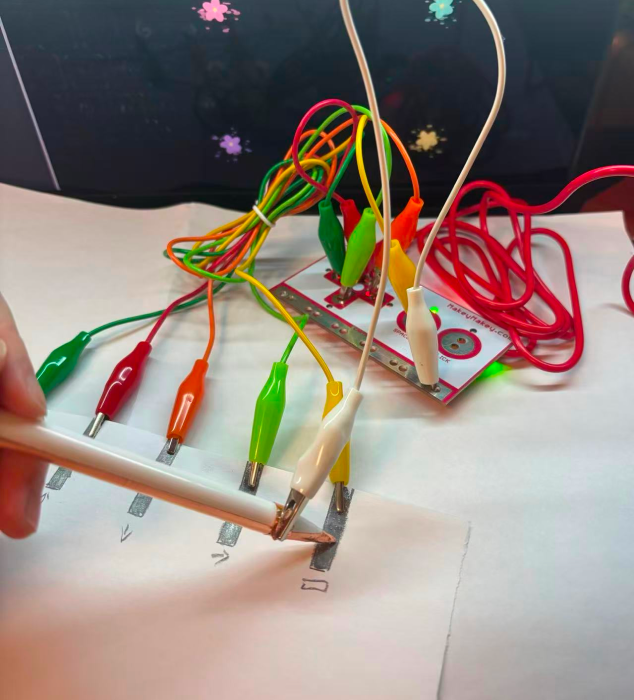
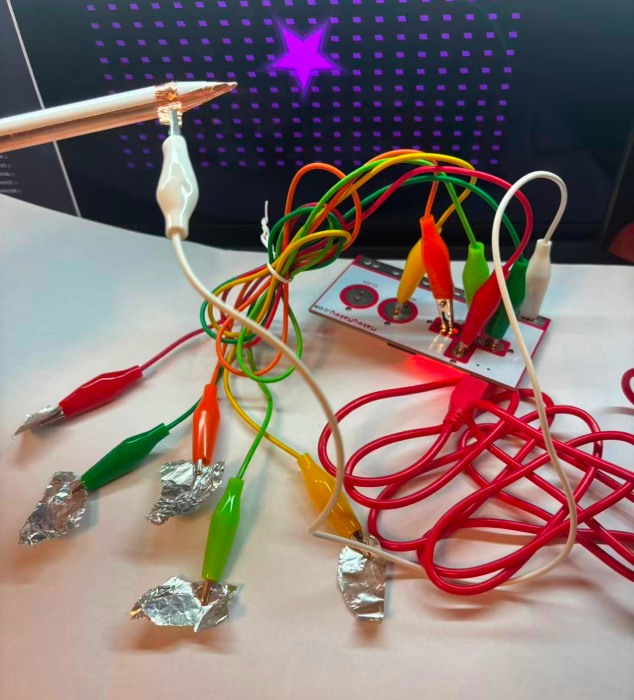
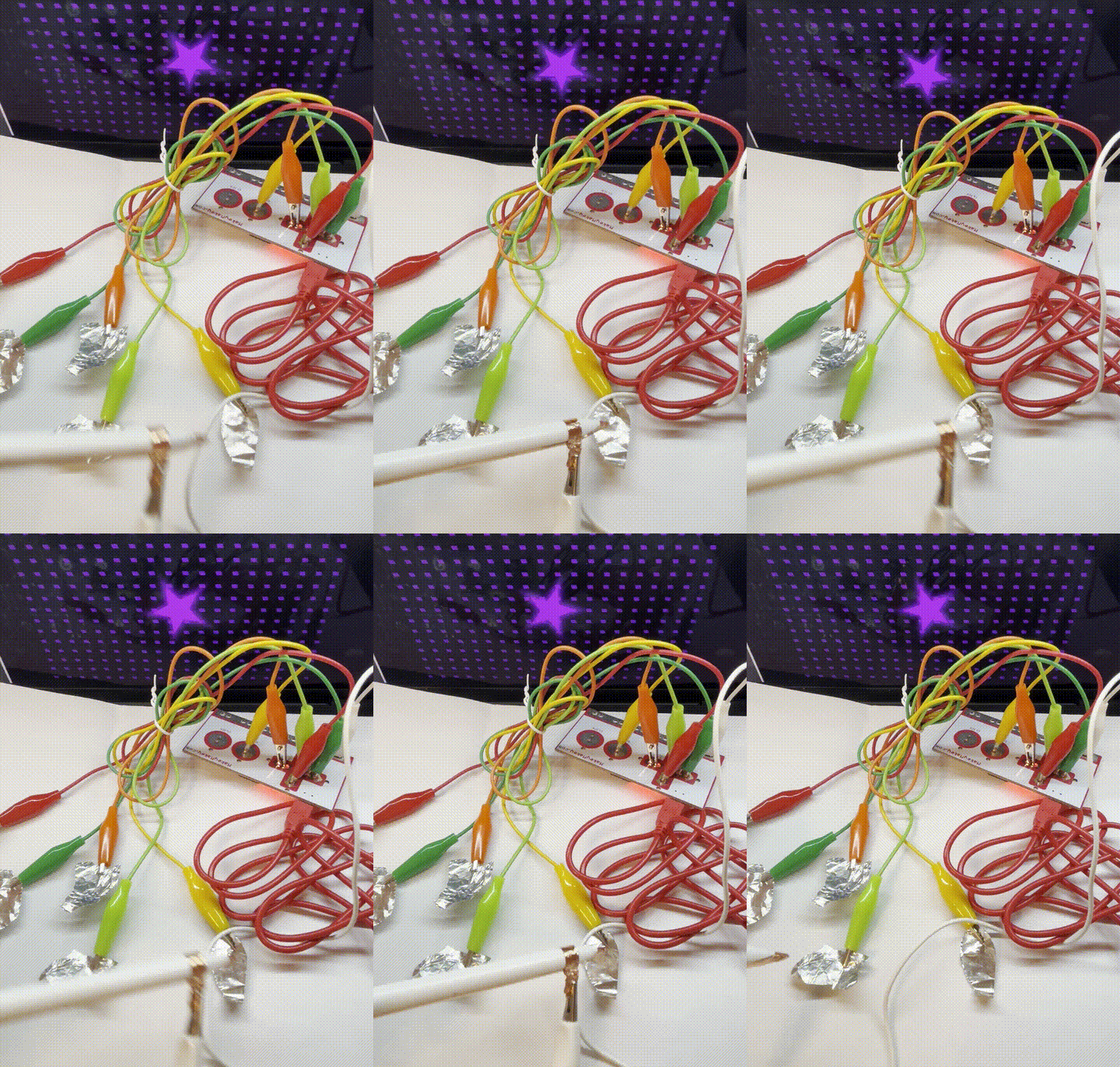
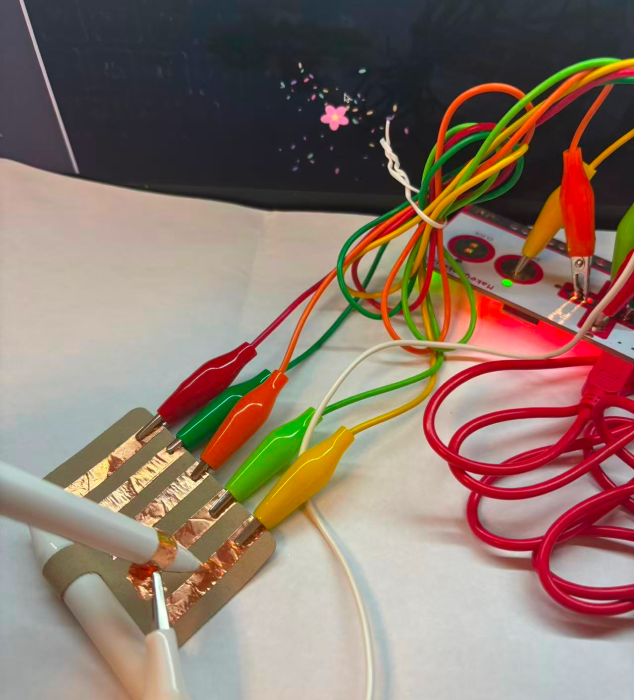
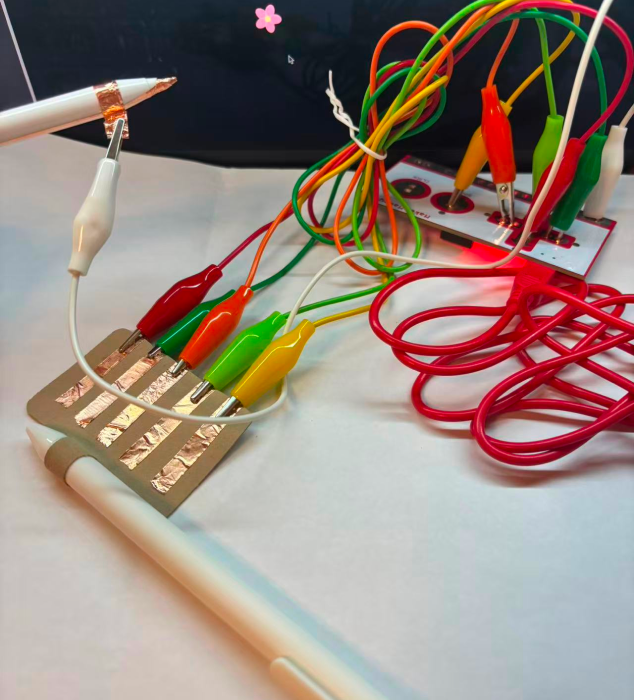
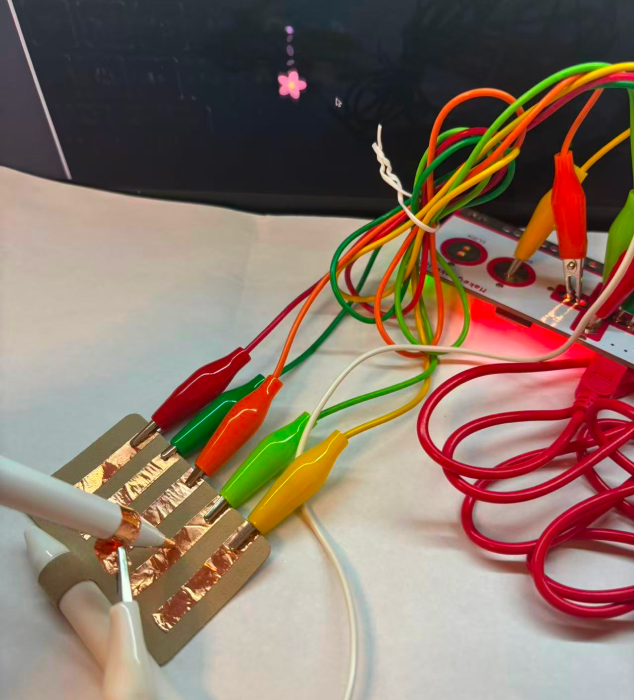
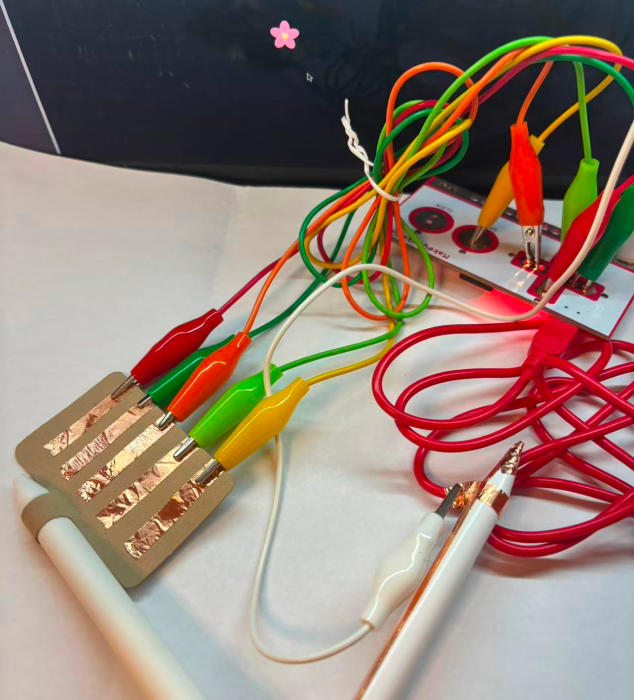
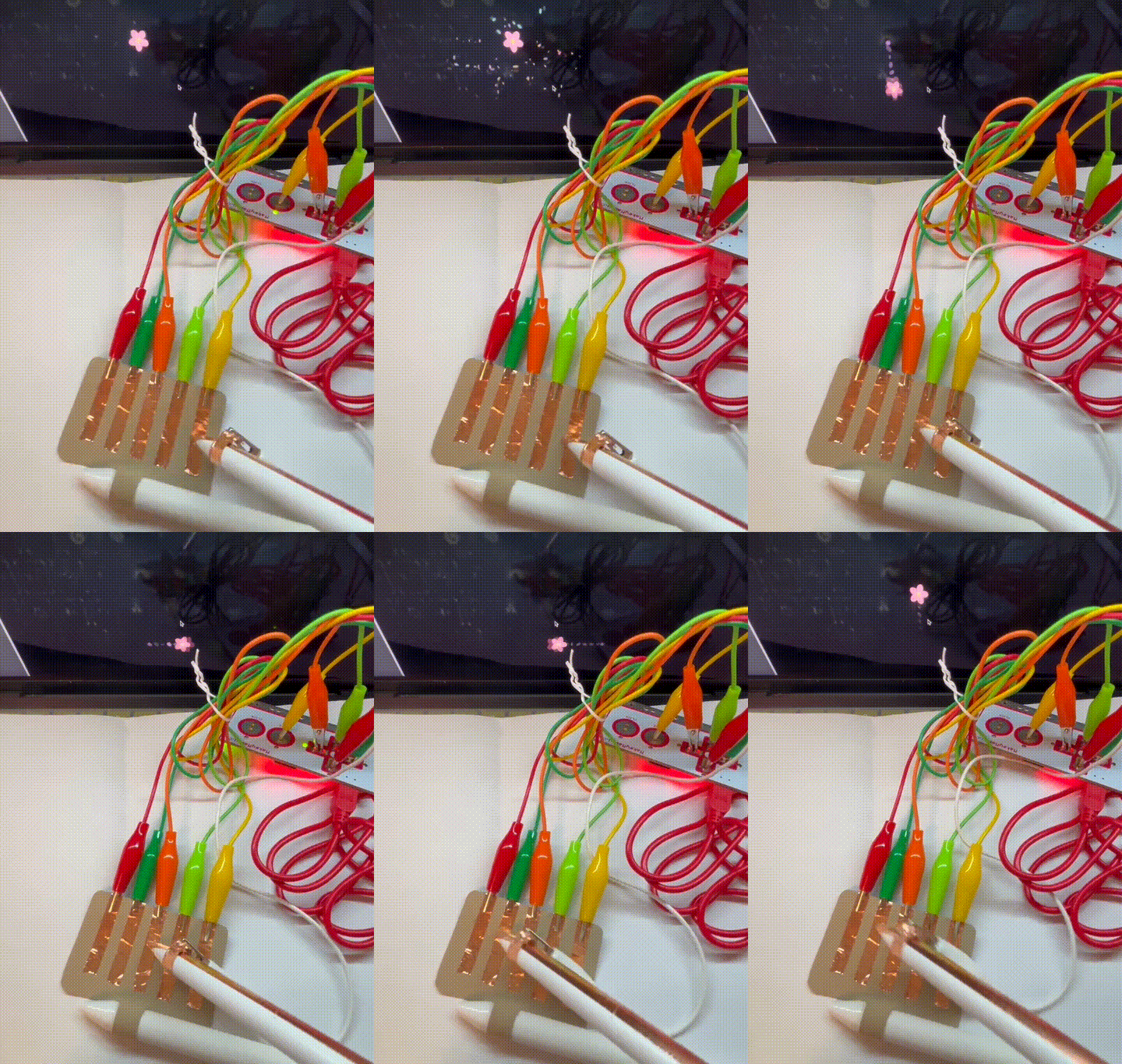
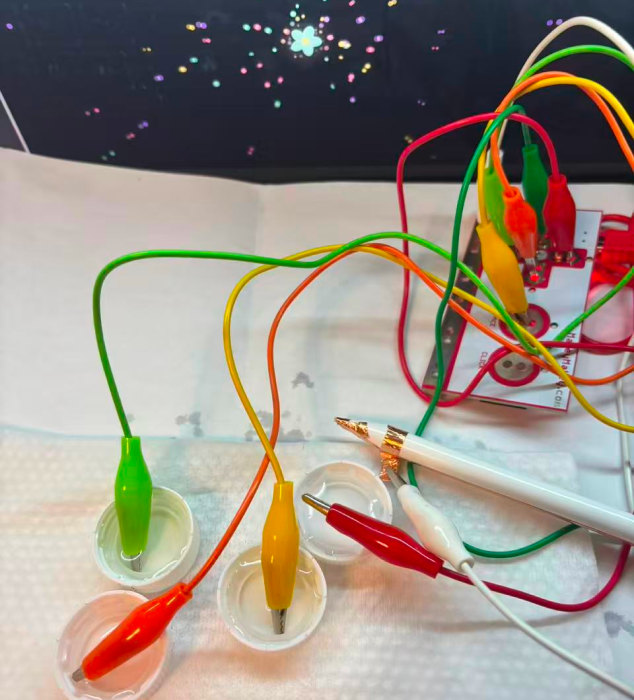
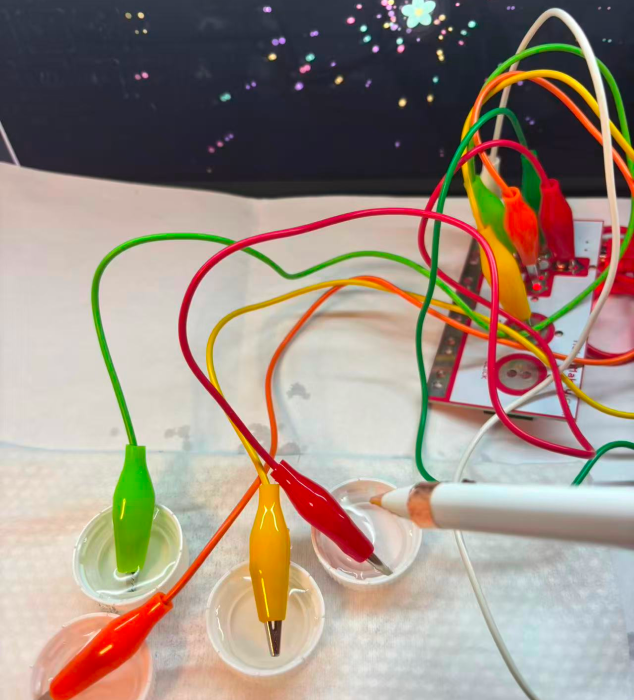
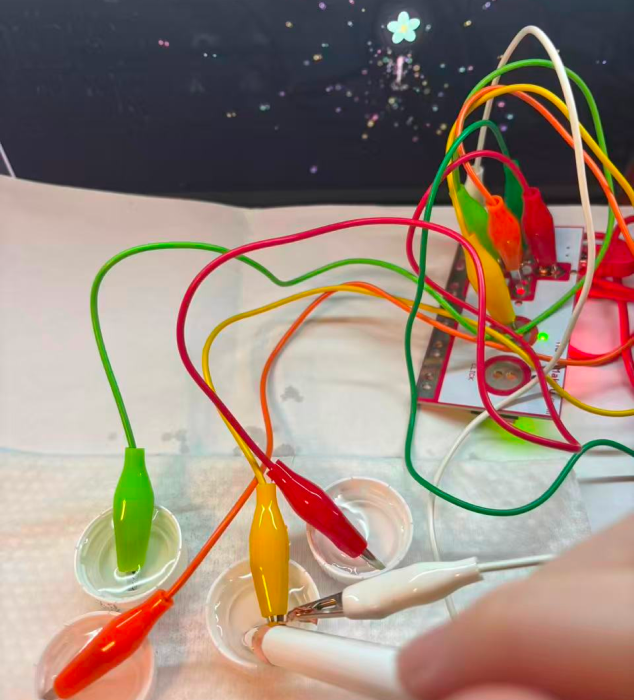
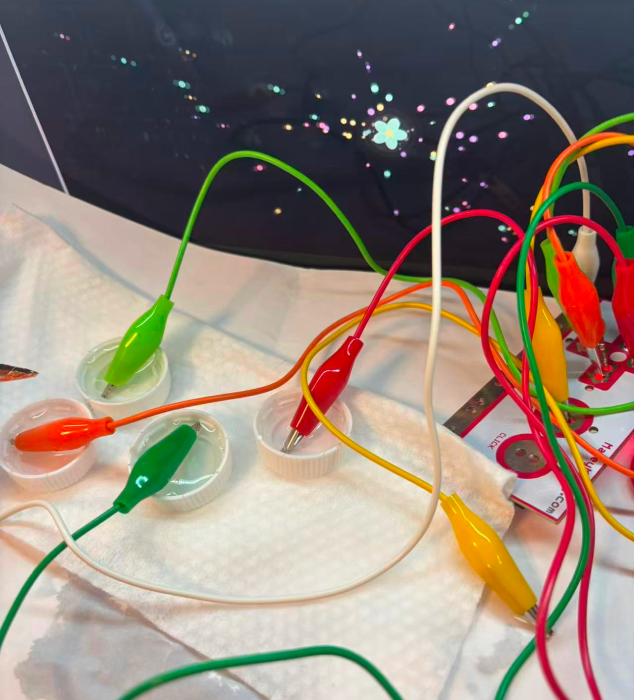
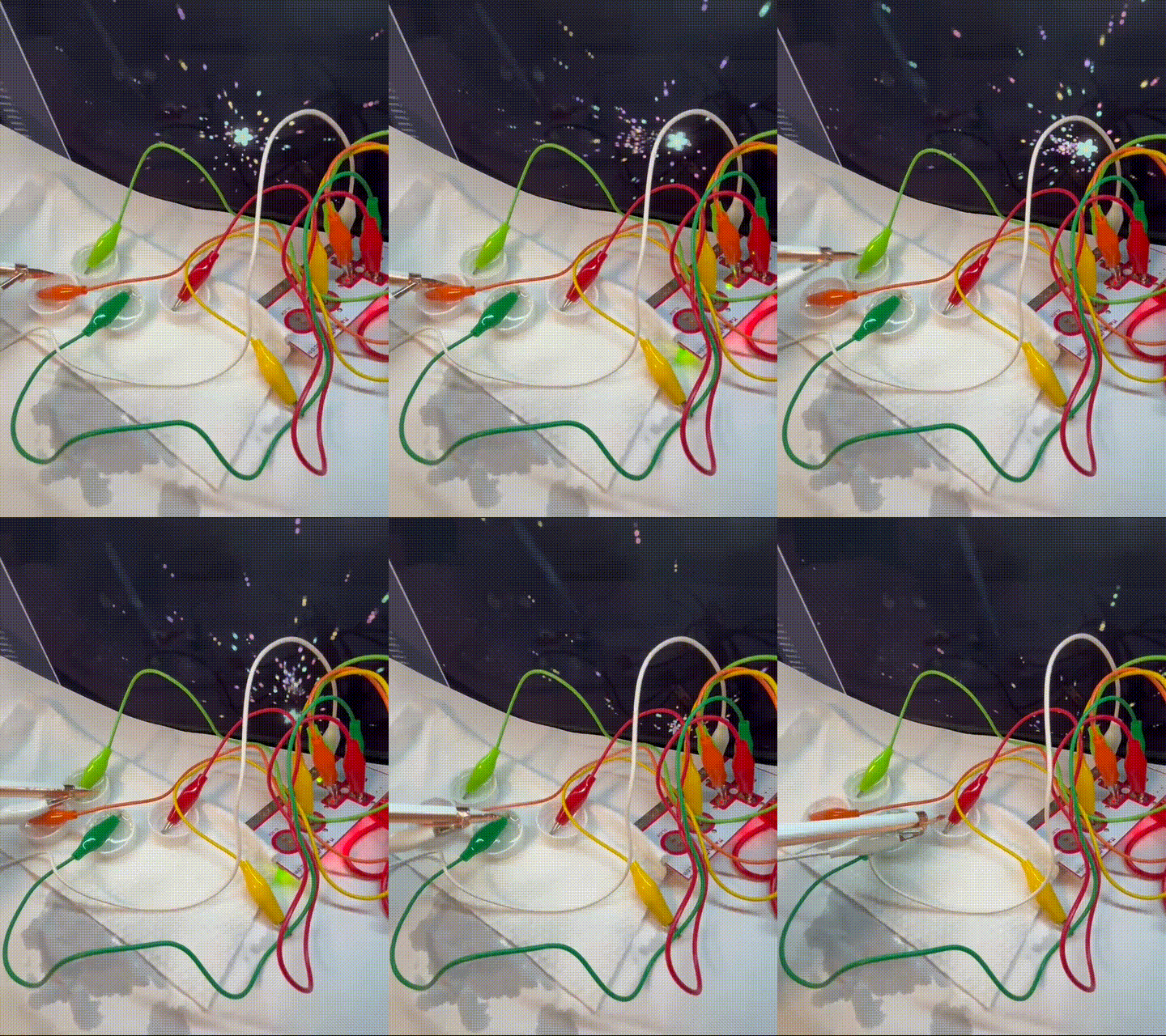
By using copper strips to connect the circuit with MakeyMakey, the control and visual effects can interact. (Hand connection By using copper strips to connect the circuit with MakeyMakey, the control and visual effects can interact. (Hand connection By using copper strips to connect the circuit with MakeyMakey, the control and visual effects can interact. (Hand connection By using copper strips to connect the circuit with MakeyMakey, the control and visual effects can interact. (Hand connection By using copper strips to connect the circuit with MakeyMakey, the control and visual effects can interact. (Hand connection By using pencil strokes to connect the circuit with MakeyMakey, the control interacts with the visual effect. By using pencil strokes to connect the circuit with MakeyMakey, the control interacts with the visual effect. By using pencil strokes to connect the circuit with MakeyMakey, the control interacts with the visual effect. By using pencil strokes to connect the circuit with MakeyMakey, the control interacts with the visual effect. By using pencil strokes to connect the circuit with MakeyMakey, the control interacts with the visual effect. By using tin foil and MakeyMakey for circuit connection, the control and visual effects can interact. By using tin foil and MakeyMakey for circuit connection, the control and visual effects can interact. By using tin foil and MakeyMakey for circuit connection, the control and visual effects can interact. By using tin foil and MakeyMakey for circuit connection, the control and visual effects can interact. By using tin foil and MakeyMakey for circuit connection, the control and visual effects can interact. By using copper strips to connect the circuit with MakeyMakey, the control and visual effects can interact. (Object connections By using copper strips to connect the circuit with MakeyMakey, the control and visual effects can interact. (Object connection By using copper strips to connect the circuit with MakeyMakey, the control and visual effects can interact. (Object connection By using copper strips to connect the circuit with MakeyMakey, the control and visual effects can interact. (Object connection By using copper strips to connect the circuit with MakeyMakey, the control and visual effects can interact. (Object connection By using water to connect the circuit with MakeyMakey, the control and visual effects can interact. By using water to connect the circuit with MakeyMakey, the control and visual effects can interact. By using water to connect the circuit with MakeyMakey, the control and visual effects can interact. By using water to connect the circuit with MakeyMakey, the control and visual effects can interact. By using water to connect the circuit with MakeyMakey, the control and visual effects can interact.

Project 3


Final Project 3 Design

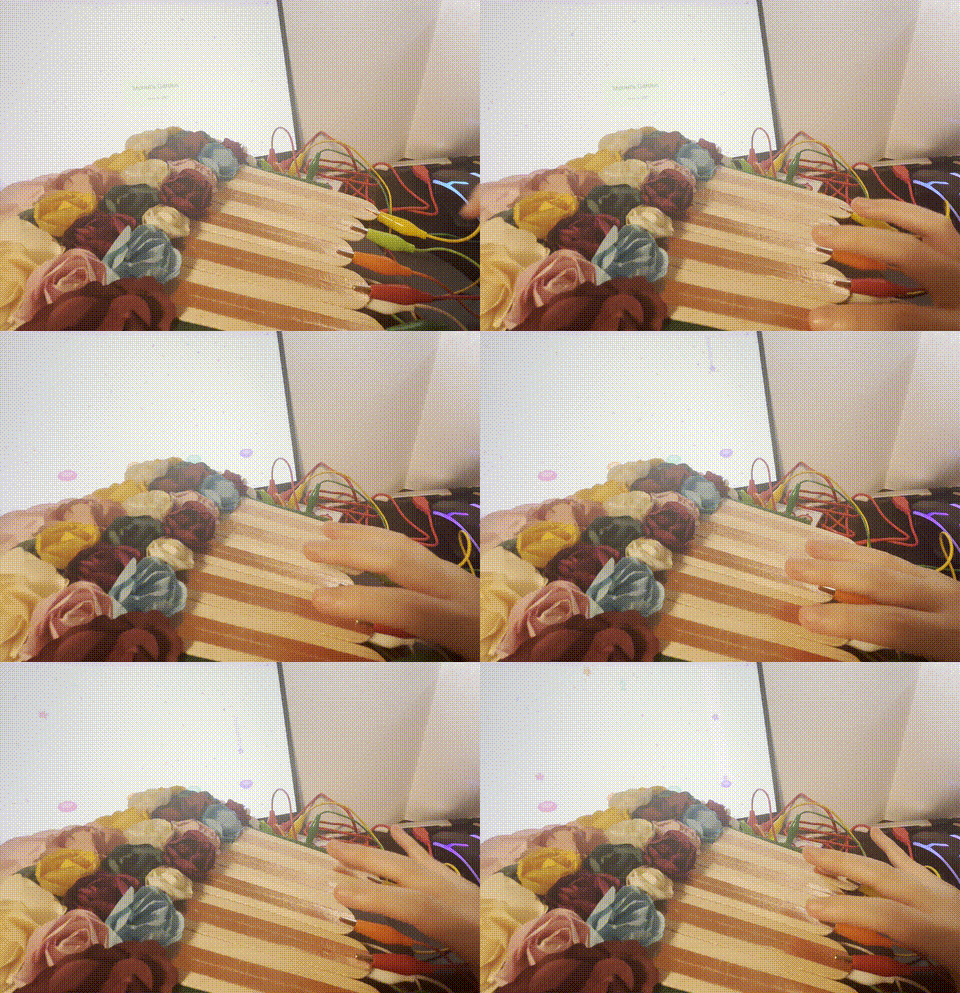
In this project, I used Makey Makey and p5.js to create a fun audio game, an interactive experience that combines real-world touch with digital animation. The user can control the buttons on the screen by touching a physical object connected to Makey Makey (corresponding to the left, up, down, and right arrow keys).
My inspiration comes from the painting of Monet. A sound effect is triggered when the user accurately hits the falling flower note. I implemented the global dynamic color shift by using p5.js HSB color system. As the game continues to accumulate, the color of each frame of the background will change subtly, creating a dreamy, smart light and shadow effect.
here to see it working on my server
×

Powered by w3.css